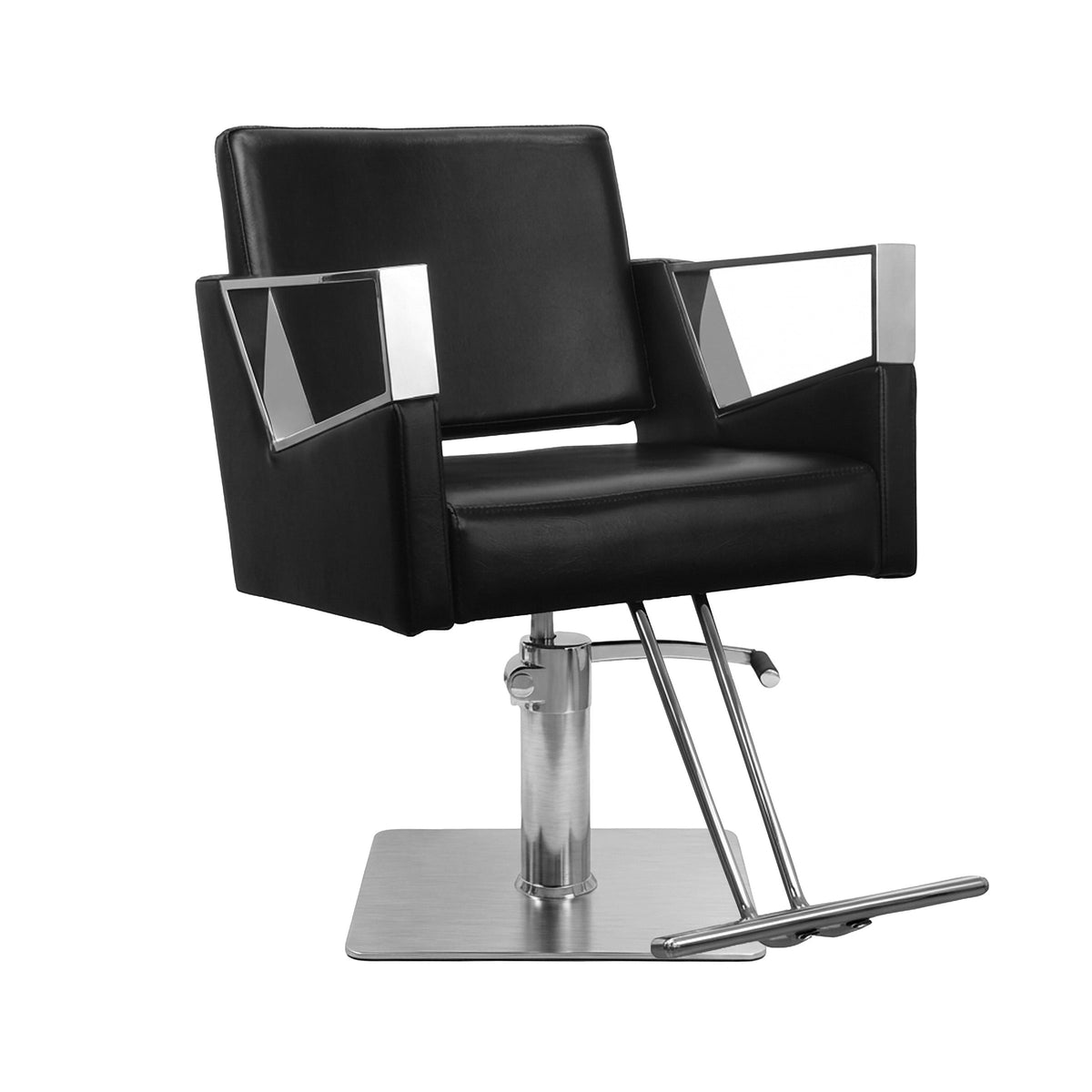
Social Media Strategies That Turn Likes Into Bookings
Strategies That Convert To Bookings For Barbers And Stylists
Introduction
The last client of the day walks out with the sharpest fade or the cleanest silk press you have done all week. You snap a photo, post it with a few hashtags, the likes roll in… and the next day your DMs are quiet and your calendar still has gaps.
That is where many barbers and stylists get stuck. According to Americans' Social Media Use research, over five billion people use social platforms, yet plenty of beauty professionals treat them like a photo dump instead of a booking engine. The work is visual and shareable, but without a clear plan, you get vanity metrics instead of paid appointments.
This guide gives you a practical framework to turn social attention into real bookings. You will learn:
-
how to pick the right platforms
-
what kind of content moves people from “nice cut” to “I need this now”
-
how to use built‑in features to make booking almost frictionless
-
how your physical space and equipment, including your chairs and layout, reinforce what people see online
“Your Instagram grid is your new shop window. Treat it like the front of your shop, not a random photo album.” — common advice from salon marketing coaches
Key Takeaways
-
Focus your platforms. Two or three social channels are usually enough. Trying to post everywhere spreads you thin and leads to burnout.
-
Lead with visuals. Clear before-and-after photos and honest behind‑the‑scenes clips build trust and show both your skill and your process.
-
Always give a next step. Simple calls to action push people to your bio link, booking button, or DMs so attention turns into appointments.
-
Consistency beats perfection. A steady schedule of three to five posts per week keeps your name in front of local clients.
-
Watch booking signals, not just likes. Profile visits, link clicks, saves, and DMs tell you what actually fills your chair.
Why Social Media Is Your Most Powerful Booking Engine
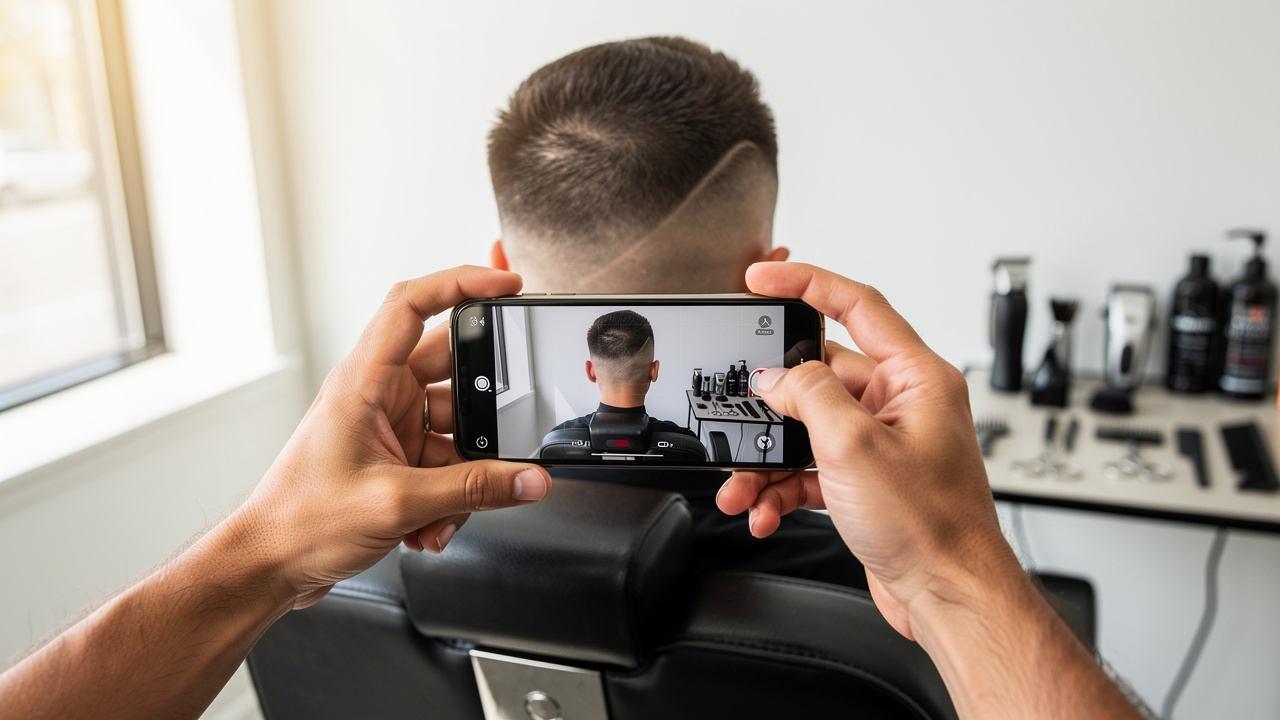
Global social media statistics show that social platforms are not like flyers or radio spots. They are two‑way conversations where clients comment, share, tag friends, and ask questions. Those public chats make your work feel more real.
People trust people they know. When someone sees a cousin rave about a barber in a Story or watches a co‑worker post a fresh color change, that social proof shapes booking decisions. Your social pages act as a 24/7 portfolio where new clients can scroll through fades, knotless braids, or gray blending from the couch at midnight.
Because most scrolling happens on phones, the path from “I like this” to “I just booked” can take less than a minute if:
-
your booking link is easy to find
-
your prices and services are clear
-
the process is smooth on mobile
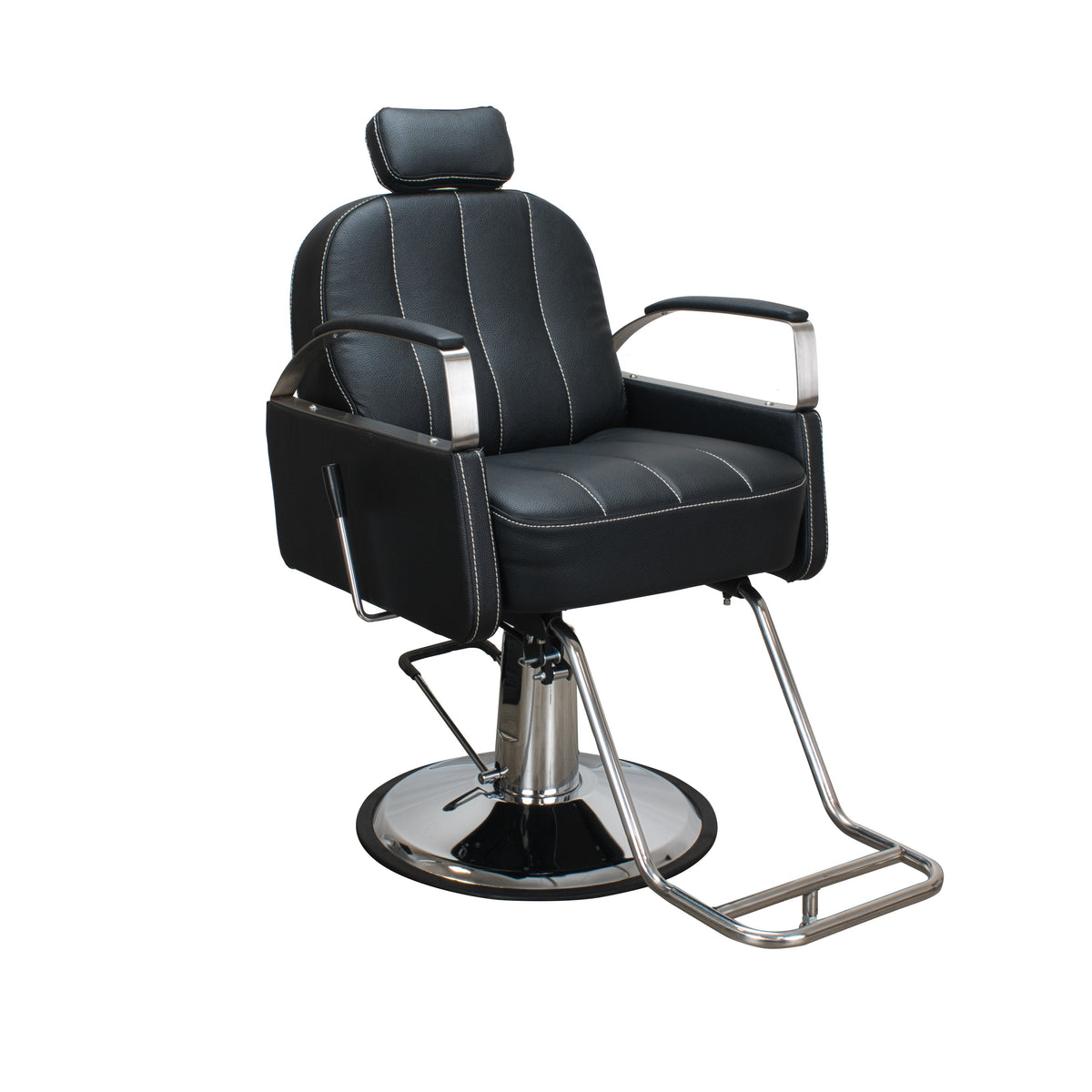
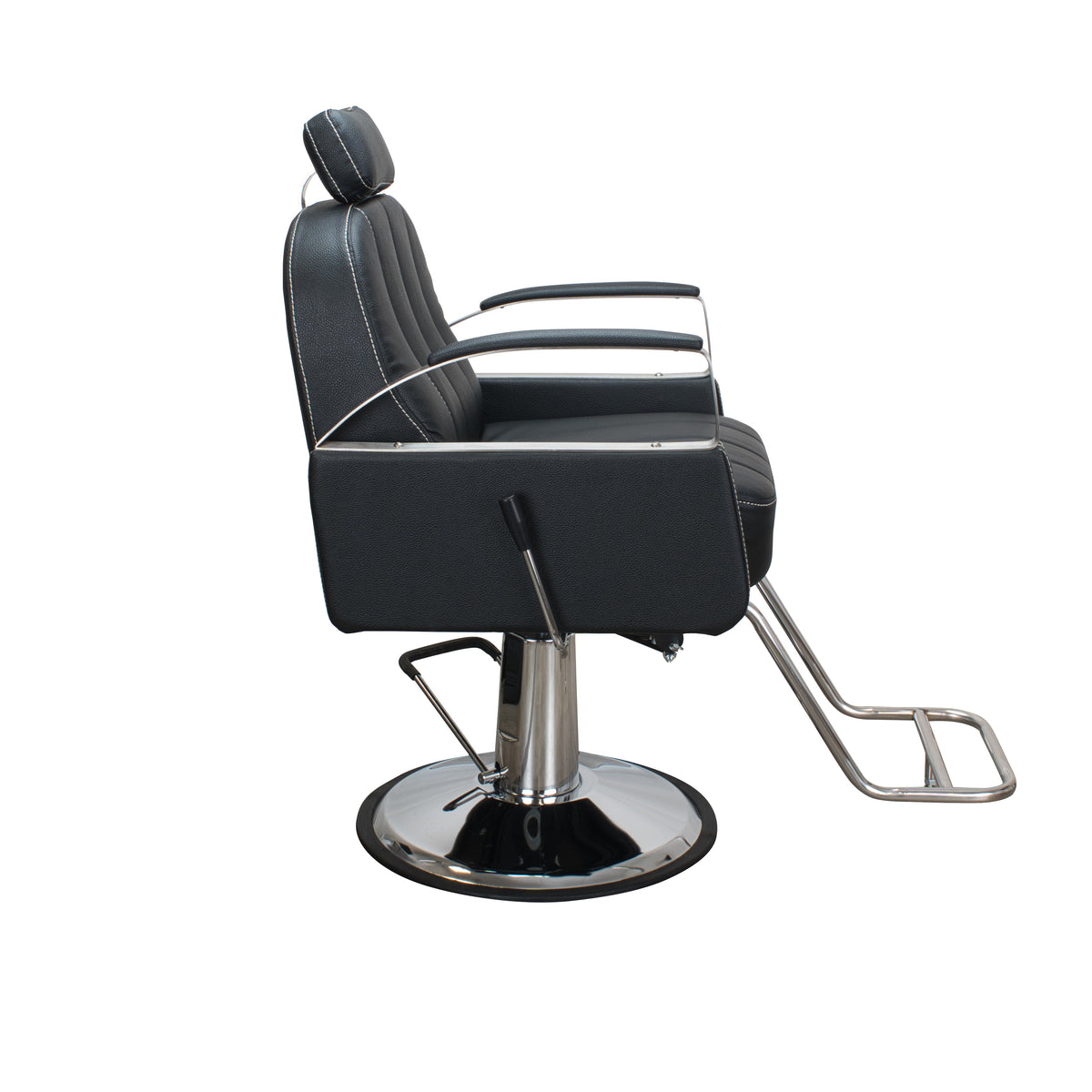
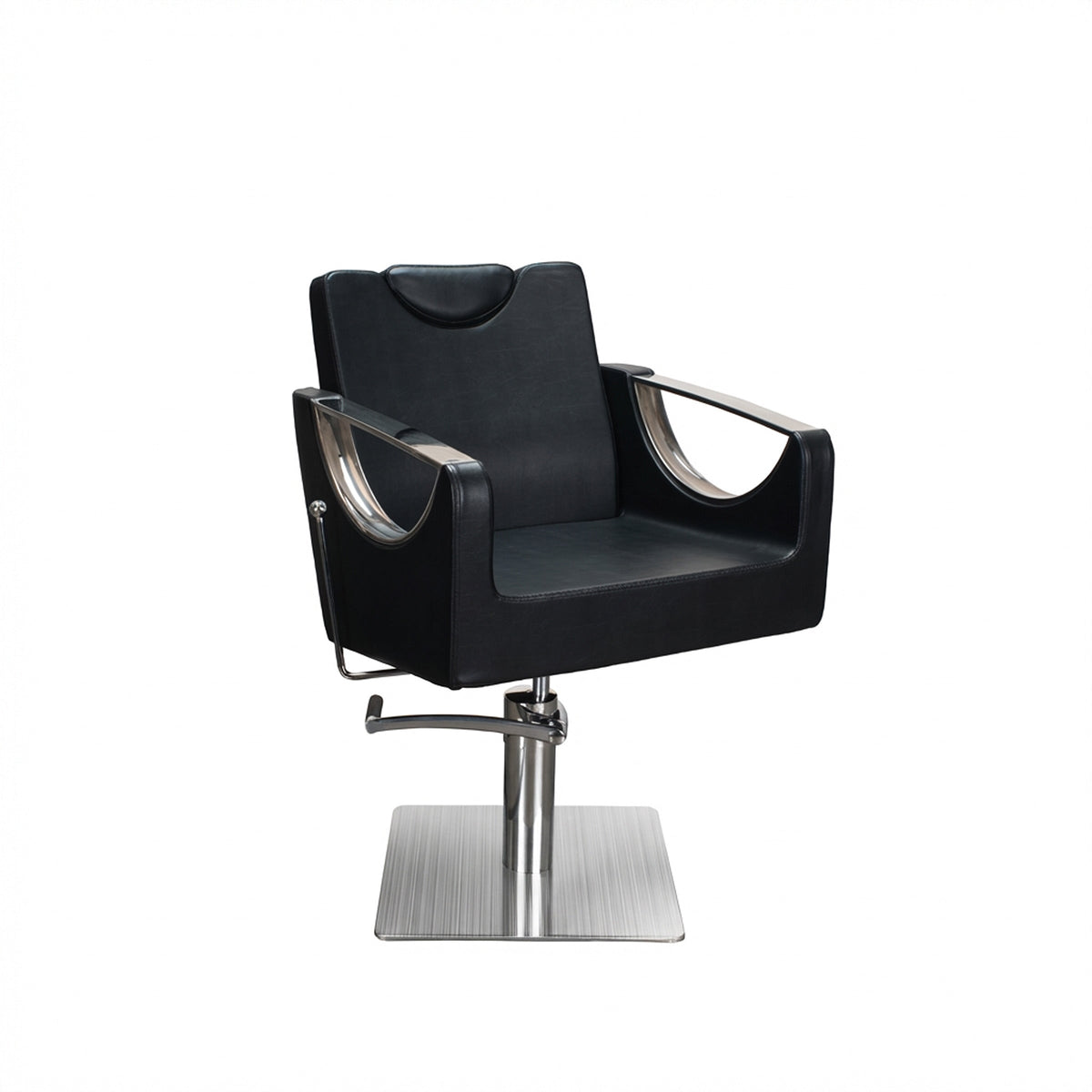
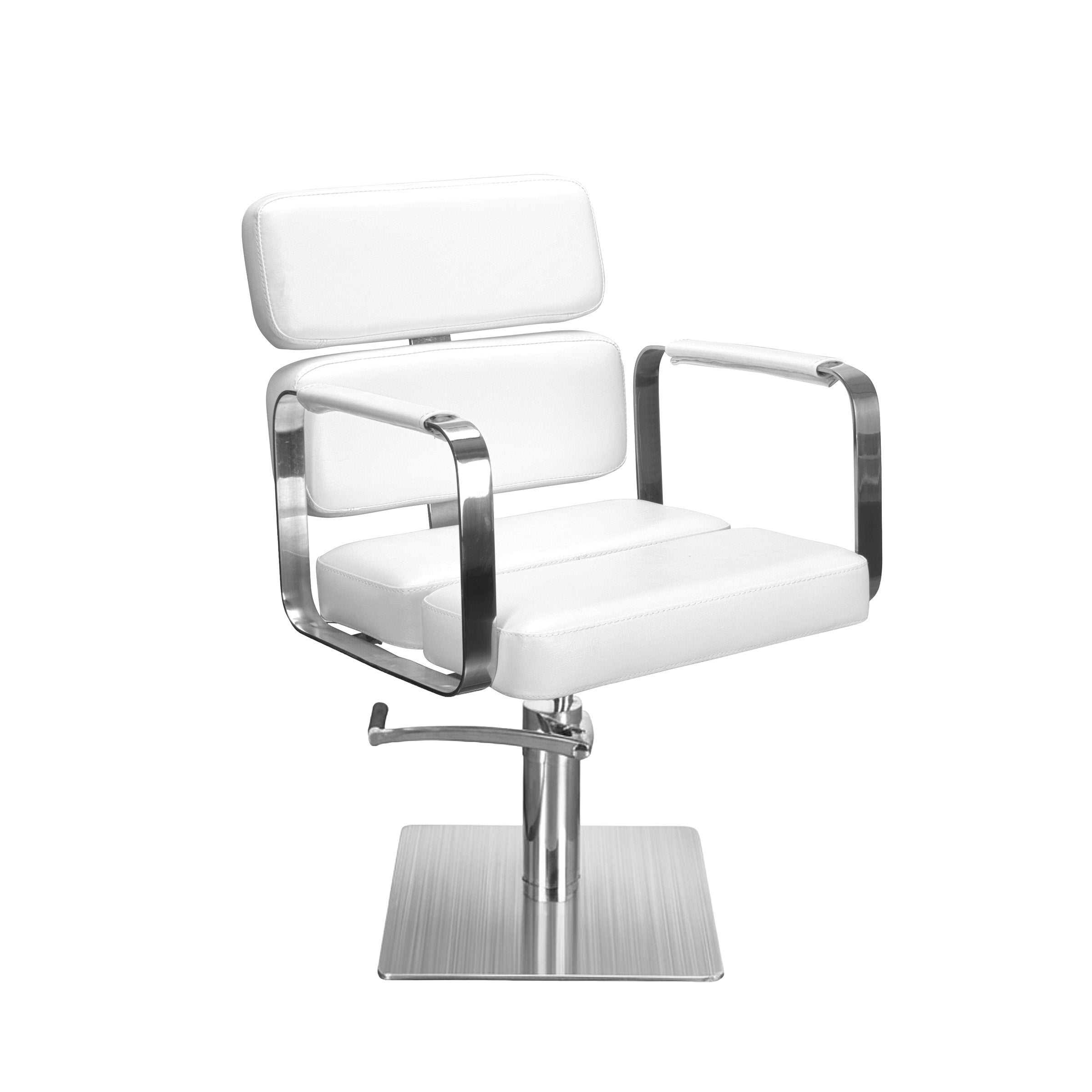
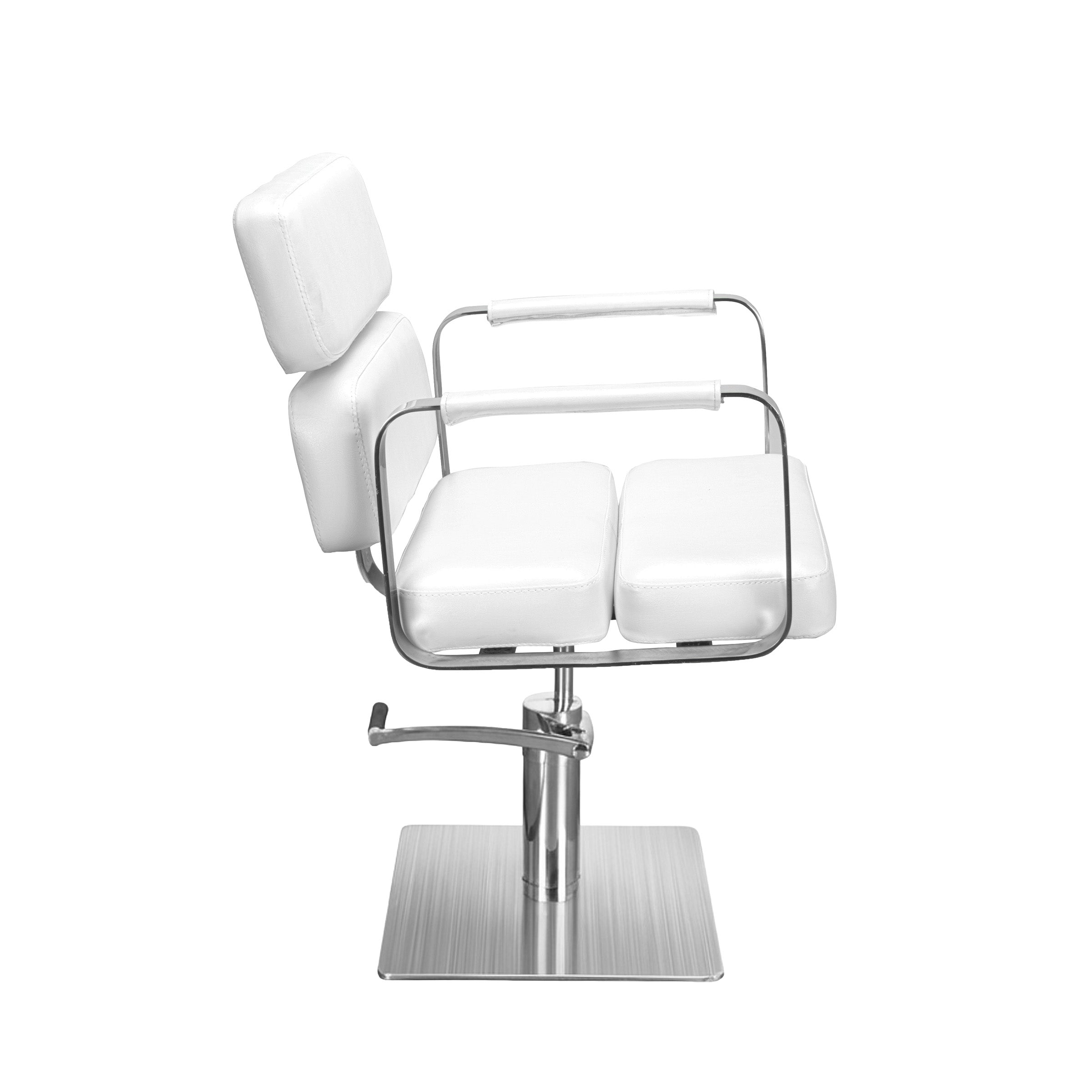
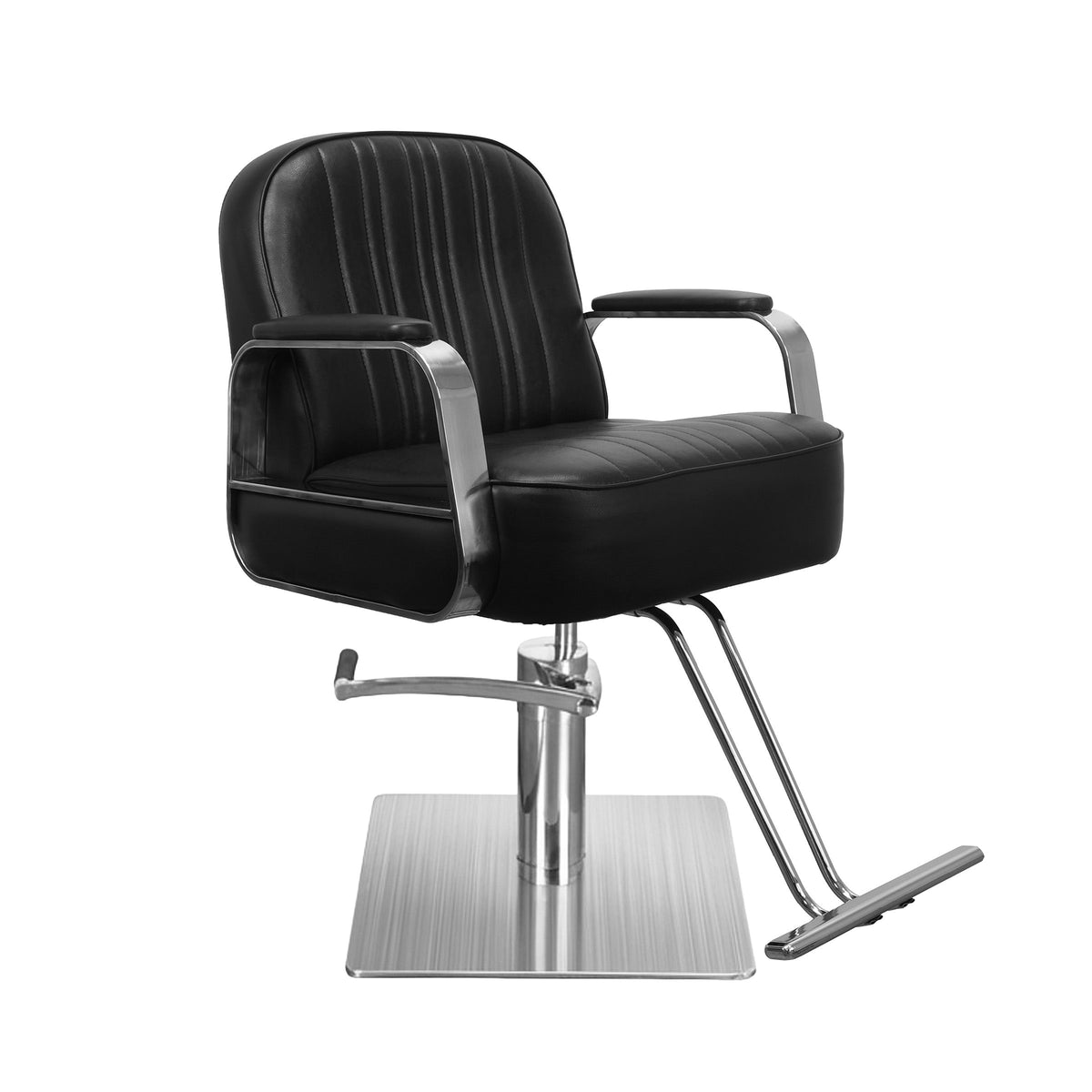
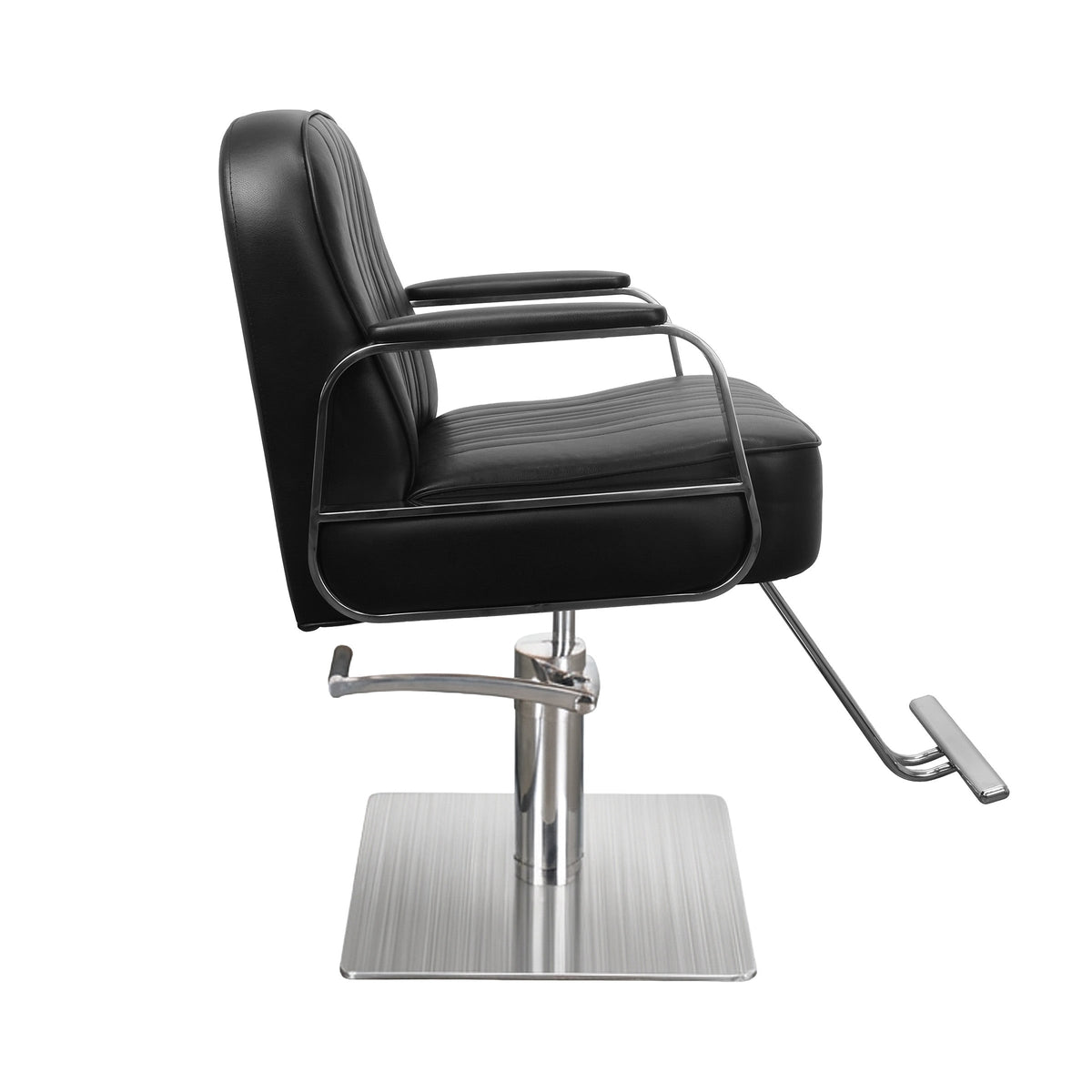
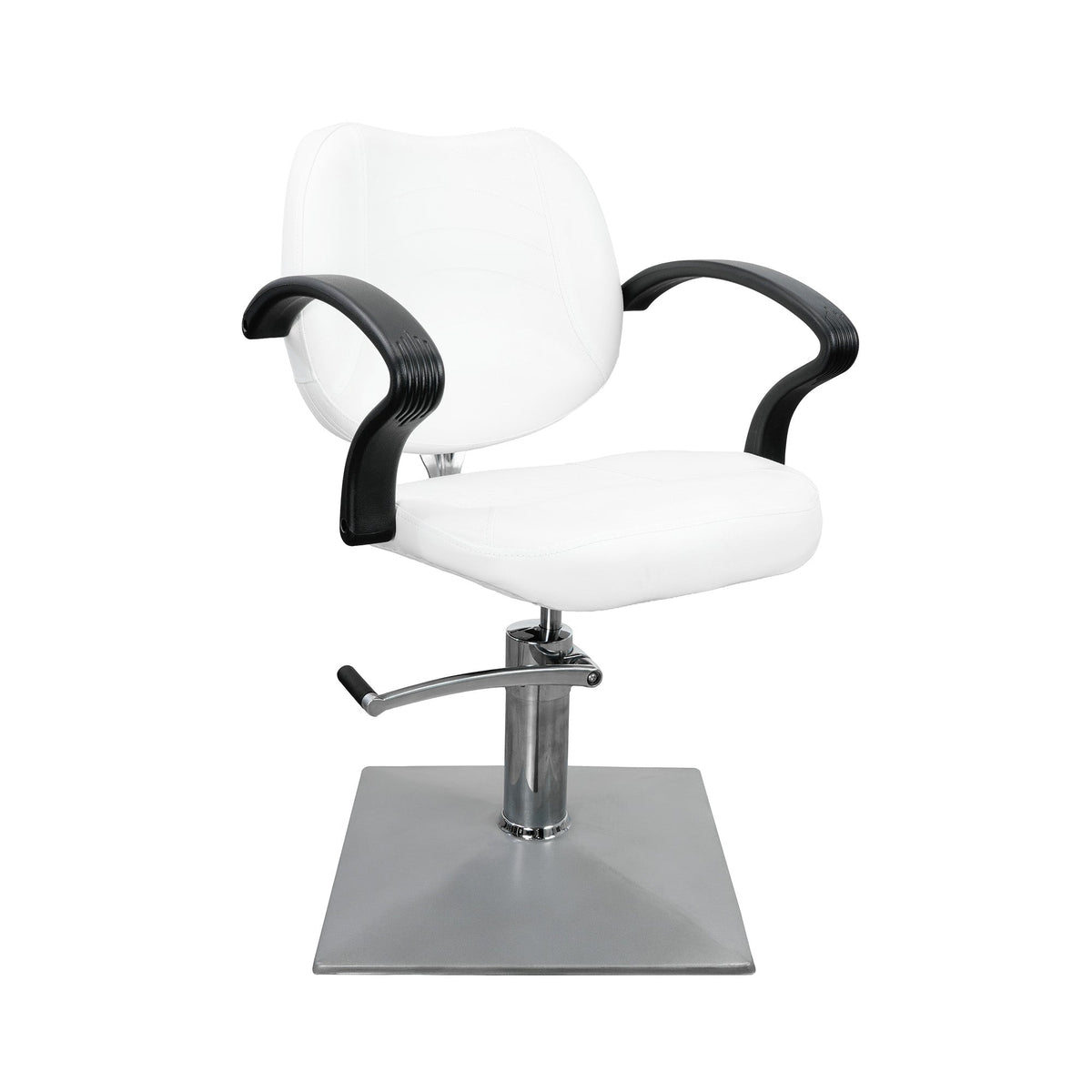
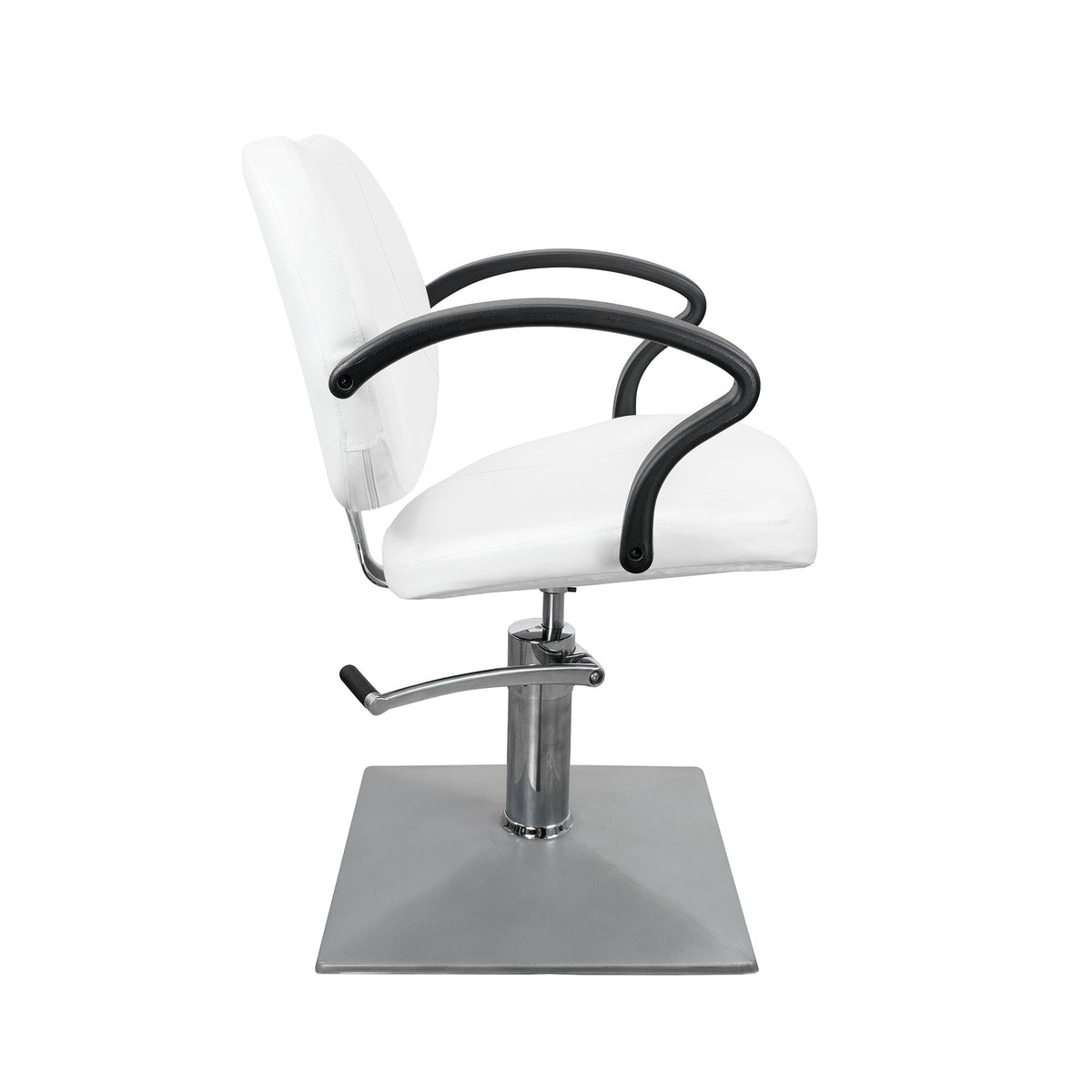
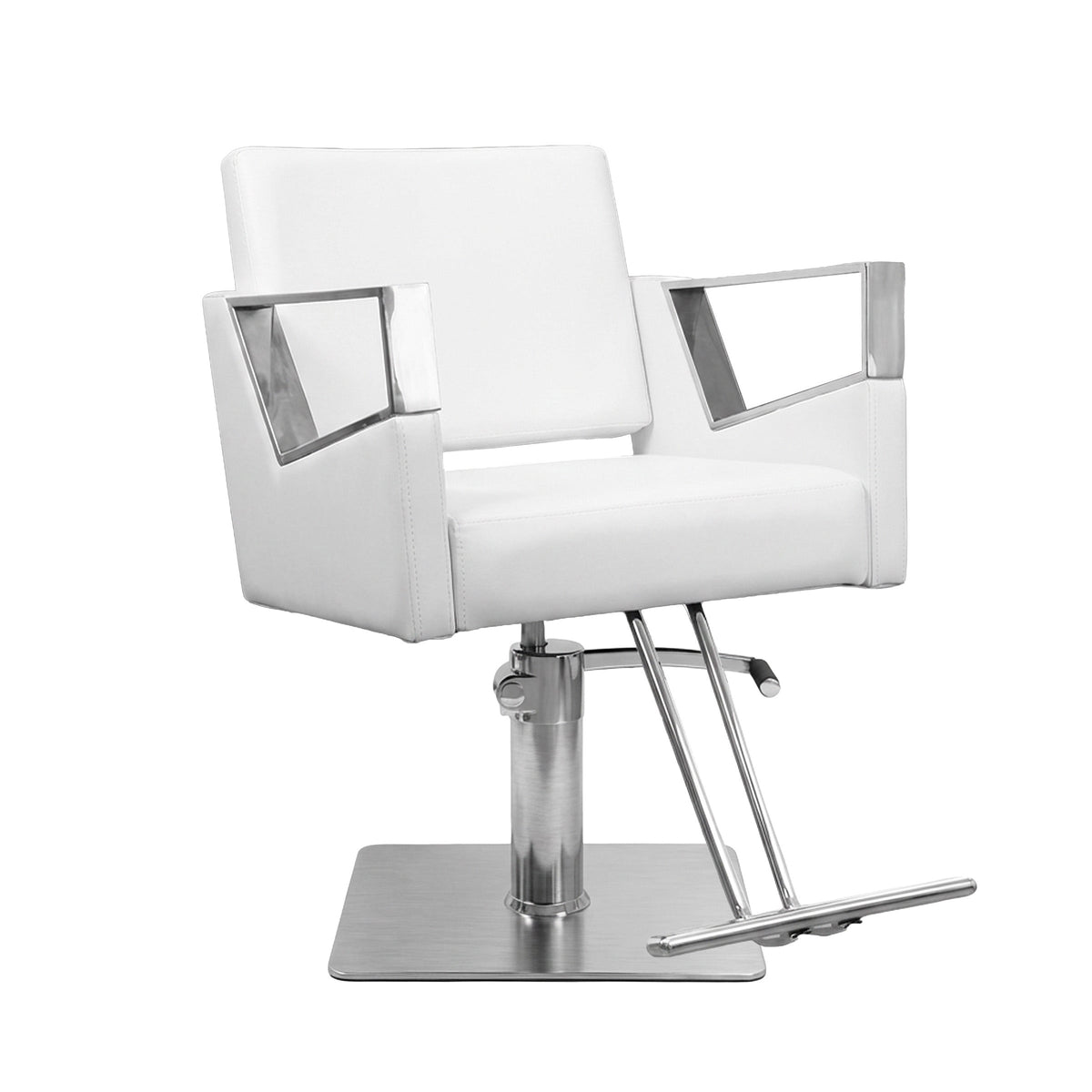
There is also a long‑term effect. Social media lets people see your work, hear how you talk, and get a feel for your chair. Once they arrive, the real‑world experience takes over. Comfortable styling and barber chairs, smooth equipment, and a well‑designed space – the kind of details SalonAct focuses on – confirm that what they saw online matches real life and keeps them rebooking.
Choosing The Right Platforms For Maximum Booking Conversions
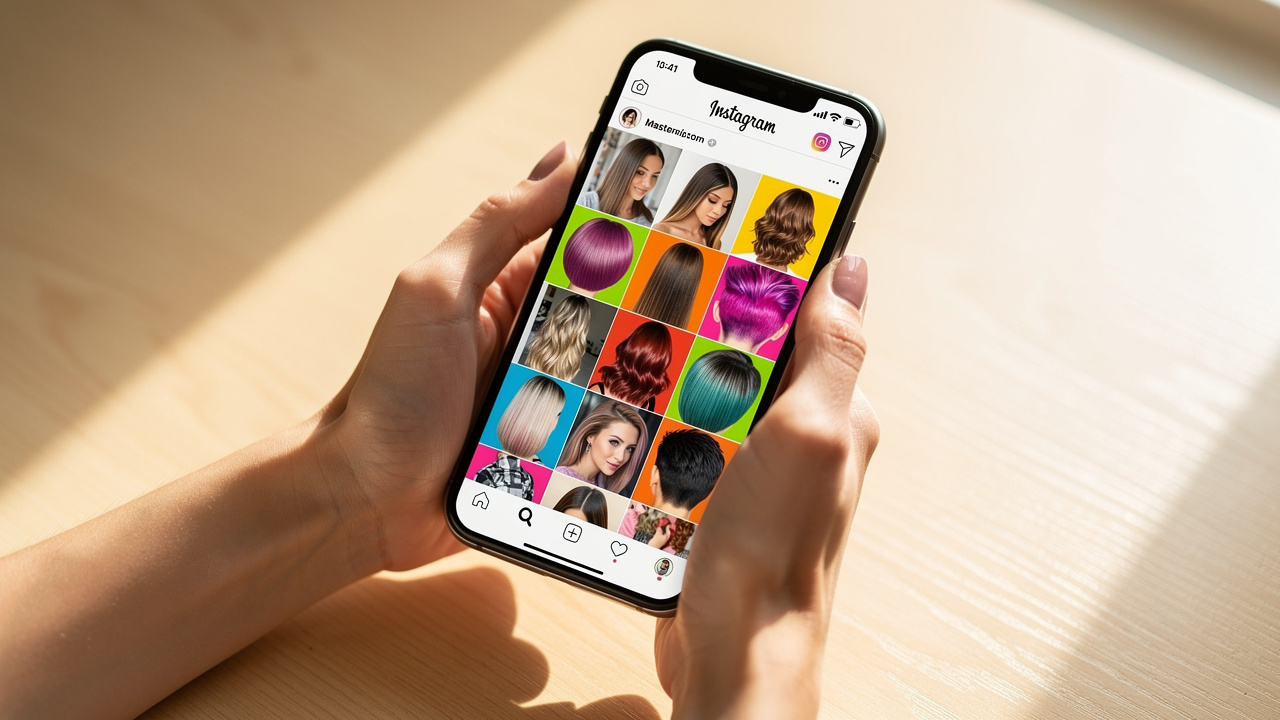
The Social Media Fact Sheet reveals that most clients bounce between several apps, but that does not mean your shop should live on all of them. The goal is to pick two or three platforms where:
-
your ideal clients already spend time
-
your style of content fits
-
the features support easy booking
Instagram The Visual Portfolio Powerhouse
For most barbers and stylists, Instagram is the main booking driver. It is built around photos and short videos, which works perfectly for fades, color work, and protective styles. A business profile lets you add a Book Now button and connect straight to your scheduling page.
Think of Instagram in three parts:
-
Grid posts: your polished portfolio with consistent lighting and backgrounds.
-
Reels: short, punchy makeovers, tips, and reveals pushed to new audiences.
-
Stories: quick daily updates, last‑minute openings, polls, and client shout‑outs.
Use clear captions, a booking link in your bio, Story link stickers, and targeted hashtags (service + city + niche) so people can go from “like” to appointment without hunting around.
Facebook The Community And Local Advertising Hub
Facebook still reaches a wide age range, which makes it valuable if you serve families, professionals, and long‑time locals. A full business page with hours, address, services, and a booking button acts like a mini website.
Its real strength is local connection:
-
run radius‑based ads around your shop
-
collect and display reviews
-
join neighborhood groups where people ask for barber and stylist recommendations
-
post events such as product demos or client appreciation nights
Those features keep your name in front of people who live and work nearby.
TikTok The Viral Discovery Platform
TikTok puts your work in front of people who have never heard of you. The algorithm cares more about how viewers react to each clip than how many followers you have, so smaller accounts can still reach big audiences.
Short vertical videos work best:
-
satisfying shear work and beard trims
-
color changes and loc maintenance
-
quick takes like “3 things your barber wishes you knew”
Pair clips with trending sounds, simple on‑screen text, and a clear prompt to visit your booking link (often in your bio or on Instagram).
Pinterest The Pre-Booking Inspiration Engine
On Pinterest, people usually arrive with a plan. They search for “short natural styles,” “soft brown balayage,” or “wedding updo ideas” and save their favorite looks. That planning mindset means users are often closer to booking.
Set up boards sorted by service type:
-
men’s cuts
-
vivid color
-
starter locs
-
bridal hair, etc.
Each pin of your work should include: service name, technique, city, and a link back to your site or booking page. Strong pins can keep sending traffic and booking requests for months.
“When someone saves your content, they’re telling you, ‘This is future me.’ That’s one step away from a paid appointment.” — common insight from social media strategists
Creating Content That Converts Browsers Into Bookings
Not every post has the same job. Some content attracts new eyes, some builds trust, and some pushes for the booking. When you plan with those roles in mind, your feed stops being random and starts acting like a simple sales system.
Before-And-After Transformations Your Highest-Converting Content Type
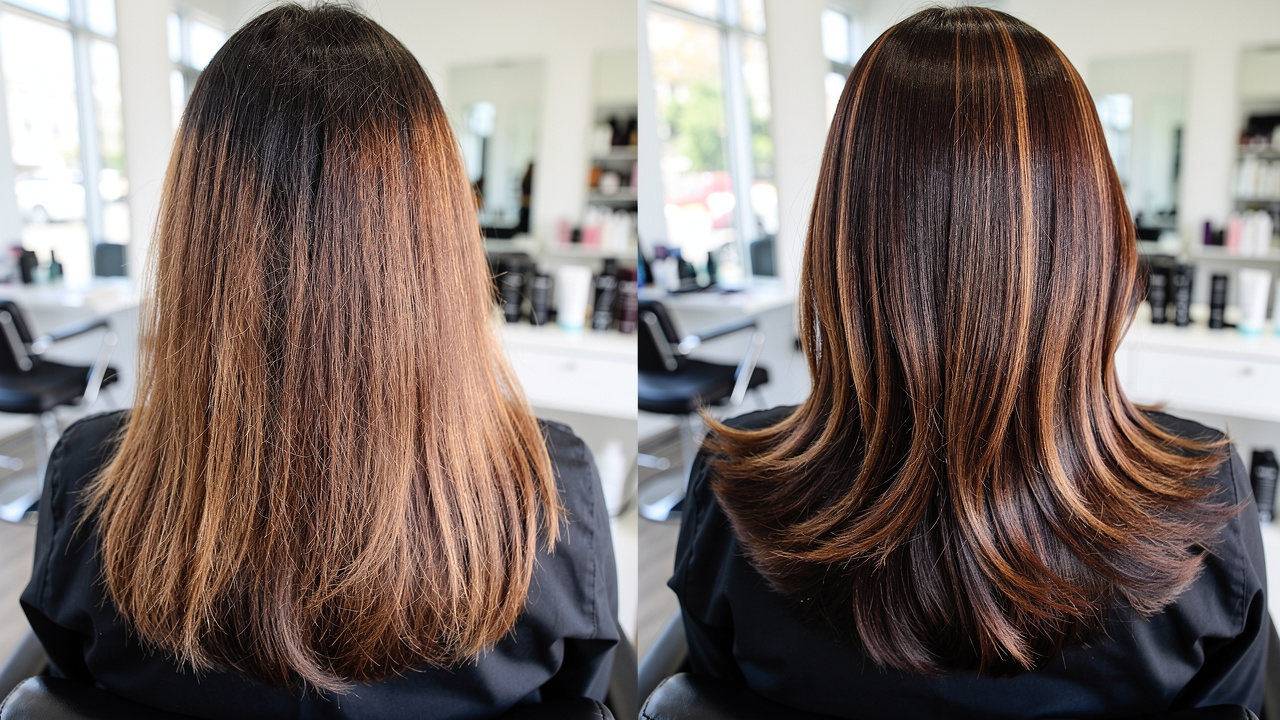
Few things work harder than a strong before‑and‑after. One frame shows the starting point, the next shows the result, and that contrast makes viewers picture themselves in your chair.
To make these posts work:
-
keep lighting, angle, and background consistent
-
fill the frame with the hair or beard
-
in the caption, name the service, rough timing, and starting price
-
close with a direct call to action such as “DM ‘FADE’ for this week’s spots”
Short reveal videos tend to spread further than photos. Be honest about how many sessions and what maintenance is needed so the people who message you are serious leads.
Behind-The-Scenes Content Building Trust And Connection
Clients do not just pay for a cut or retwist. They pay for time in your chair. Behind‑the‑scenes content shows what that time feels like.
Good ideas include:
-
quick stylist or barber introductions
-
wide shots of your clean, organized space
-
short clips of color mixing, sectioning, or beard prep
-
relaxed chair chats (with permission)
Stories are ideal for casual daily moments, while the grid can hold more polished versions. Regular team spotlights help new visitors choose who to book with.
Educational Content Positioning Yourself As The Expert
Educational posts turn you from “just another stylist on Instagram” into the go‑to person for certain hair problems. When you answer the questions people already worry about, they start to trust your advice.
Share content like:
-
“silk press vs. keratin – what’s the difference?”
-
how to refresh curls on day three
-
starter loc care in the first three months
-
how to protect color between visits
On search‑friendly platforms like Pinterest and TikTok, these posts keep working long after you publish them.
“Don’t just show the ‘what’. Explain the ‘why’. Education is what separates a pro from a hobbyist.” — common principle in salon education
Strategic Calls-To-Action Guiding Followers To Book
Beautiful content without direction leads to endless scrolling. Every strong post should end with one clear next step, for example:
-
“Tap the link in my bio to see prices and book.”
-
“Comment ‘LINEUP’ and I’ll DM you this week’s openings.”
-
“Save this look and send a DM when you’re ready to book it.”
On Instagram and Facebook, pair posts with visible booking buttons and Story link stickers. Make the next step obvious and simple so more people take it.
Using Platform Features To Streamline Booking
Once someone decides they like your work, every extra click gives them a chance to back out. Using each platform’s tools well keeps the path from “interested” to “scheduled” as short as possible.
Instagram And Facebook Booking Integrations
On Instagram and Facebook, switch to a business profile and add an action button that links directly to your booking system. That way, someone can go from a fade Reel or color post to your calendar in one tap.
You can also:
-
drop your booking link in Story Link stickers
-
set up simple automated DM replies with answers to common questions plus your booking link
-
connect to Messenger or WhatsApp so clients can ask quick questions before booking
Creating A Booking-Optimized Bio Link Strategy
Most profiles only allow one clickable link, so it has to work hard. Use a simple link‑in‑bio page with a short menu:
-
Book An Appointment (biggest button)
-
View Services & Prices
-
Directions To The Shop
-
Gift Cards or Retail (optional)
Make sure the page is easy to use on a phone. Add tracking tags so you can see which platforms and posts send the most booking clicks.
Using User-Generated Content And Client Tags
Your clients are some of your best marketers. When they post their new cut or color and tag your handle, their friends see your work in a personal context.
-
At checkout, say: “If you share a selfie later, tagging us really helps.”
-
Put your @handle and a short branded hashtag on mirror decals and cards.
-
When clients tag you, ask if you can reshare their content.
A good‑looking space encourages more of these posts. SalonAct’s modern chairs and stations give clients a background they are proud to show off, which quietly supports your online image.
Building Social Proof And Online Reputation To Drive Bookings
Photos show what you can do. Reviews and comments show how people feel about working with you. Many first‑time visitors read those before they ever tap your booking link.
“Reviews are the new word‑of‑mouth — only louder and harder to ignore.” — common saying among local business consultants
Encouraging And Showcasing Client Reviews
Happy clients often just need a small nudge. Make review requests part of checkout:
-
right after the mirror reveal, say: “If you love your hair, a quick review on Google or Facebook helps us a lot.”
-
send a follow‑up text or email within a day with direct links to your review pages
Then recycle that praise:
-
turn standout lines into simple quote graphics
-
share short video comments from clients as Reels or TikTok clips
-
pin your best reviews to the top of your profiles where possible
Managing Negative Feedback Professionally
No shop avoids criticism forever. What matters is how you respond.
When someone leaves a negative comment or review:
-
reply within a day in a calm, respectful tone
-
thank them for speaking up and acknowledge their frustration
-
invite them to DM or call you so you can talk it through privately
Avoid arguing or blaming them in public. After you solve the issue, a brief reply like “Thanks for chatting with us, we’re glad we could sort this out together” shows others you stand behind your work.
Creating Client Case Studies And Transformation Stories
Some clients want more detail than a single photo. For them, create short transformation stories in carousels:
-
slide 1: the client’s starting concern and inspiration
-
slide 2–3: what you did and why
-
slide 4: care tips and how often they should return
Include a short client quote and list the exact services used. These deeper posts attract serious, higher‑ticket bookings.
Implementing A Consistent Posting Strategy That Fills Your Calendar
Posting in bursts and then disappearing confuses both the algorithm and your audience. A realistic, consistent schedule you can keep on busy weeks is what supports steady bookings.
The Minimal Effective Posting Schedule
Use this as a starting point:
-
Instagram: 3–4 feed posts per week, daily Stories, 2–3 Reels
-
Facebook: 3–5 posts per week with photos, short video, and updates
-
TikTok: 3–5 short clips per week if you choose to use it
-
Pinterest: upload and schedule 5–10 pins once a week
Batch the work: set aside one or two hours weekly to edit photos, write captions, and schedule posts using a planning app so you are not creating content from scratch every day.
Creating A Content Mix That Balances Conversion And Engagement
A simple rule is the 70‑20‑10 mix:
-
70%: value posts (makeovers, tips, education)
-
20%: connection posts (behind‑the‑scenes, team spotlights, fun questions)
-
10%: clear promotions and availability posts
You can also follow a weekly rhythm such as:
-
Monday: makeover
-
Wednesday: tip or FAQ
-
Friday: behind‑the‑scenes or team feature
-
Weekend: client feature or style inspiration
Reuse your best evergreen tips every few months so new followers see them.
Using Paid Social Advertising To Accelerate Booking Growth
Organic reach has shrunk over the years. Paid ads help you reach more of the right local people without huge budgets, especially when you want to fill slow days or push higher‑value services.
Facebook And Instagram Ads For Local Client Acquisition
You can start small. Even $5–$10 per day can work if your targeting is tight.
For local salons and barbershops:
-
limit your radius to 5–15 miles
-
choose age and gender ranges that match your main clients
-
add interests like hair care, grooming, or weddings
Match the campaign goal to what you want:
-
Awareness: for name recognition
-
Traffic: to send people to your site or booking page
-
Messages: to start DMs that lead to bookings
Short makeover videos usually outperform plain photos. Test two versions of an ad at the same time and keep the one that gets more clicks or messages.
Retargeting Campaigns To Convert Profile Visitors
Retargeting focuses on people who already interacted with you — visited your website, watched your Reels, or engaged with your posts.
Show these warm audiences ads that:
-
highlight reviews or quick client clips
-
remind them of services they viewed
-
share a special intro offer for first‑time guests
These campaigns usually bring more bookings per dollar than cold ads, so even a modest budget can go far.
Tracking What Matters Social Media Metrics That Predict Bookings
It is easy to chase follower counts, but those numbers do not always match what is happening in your chair. Pay more attention to metrics that signal intent.
Essential Metrics To Monitor Weekly
Track these numbers at least once a week:
-
Profile visits: how many people cared enough to tap through to your page
-
Link clicks / website taps: who went on to your booking page or site
-
Saves: people often save looks they want to request later
-
DMs and Story replies: real conversations that often lead to appointments
Watch which content types cause spikes in these numbers and do more of what works.
Connecting Social Media Activity To Actual Bookings
To see the real impact:
-
ask every new client how they heard about you and note “Instagram,” “Facebook,” “TikTok,” etc.
-
add tracking tags to your bio links so social traffic stands out in your website analytics
-
use referral fields inside your booking system when possible
At the end of each month, compare:
-
number of new clients
-
revenue from those clients
-
your posting frequency and ad spend
This shows which platforms and campaigns are actually growing your business.
Overcoming Common Social Media Challenges For Salon Professionals
Running social profiles on top of full days behind the chair can feel like a second job. A few simple systems can make it lighter.
Streamlining Content Creation During Busy Work Days
Content capture does not need to interrupt the service.
-
Take a quick before photo as soon as the client sits (with consent).
-
Grab a few process shots during processing time.
-
Take front, side, and back after photos before they leave.
Upload everything to a shared album right away. On a slower evening or day off, turn that folder into edited posts and schedule them. If you have a receptionist or assistant who enjoys social media, let them help with posting. Keep a short release form at the front desk so clients can approve use of their photos on the spot.
Managing Social Media Burnout And Comparison Fatigue
Constant scrolling and comparing your work to highlight reels from other artists wears anyone down.
To protect your energy:
-
set specific times to check comments and DMs
-
turn off non‑essential notifications
-
focus on your own progress, not someone else’s follower count
-
share real, everyday results, not just dramatic changes
If you need a short break from posting, take one. A healthy schedule and happy in‑person clients matter more than a perfect posting streak.
How Your Physical Salon Environment Supports Social Media Success
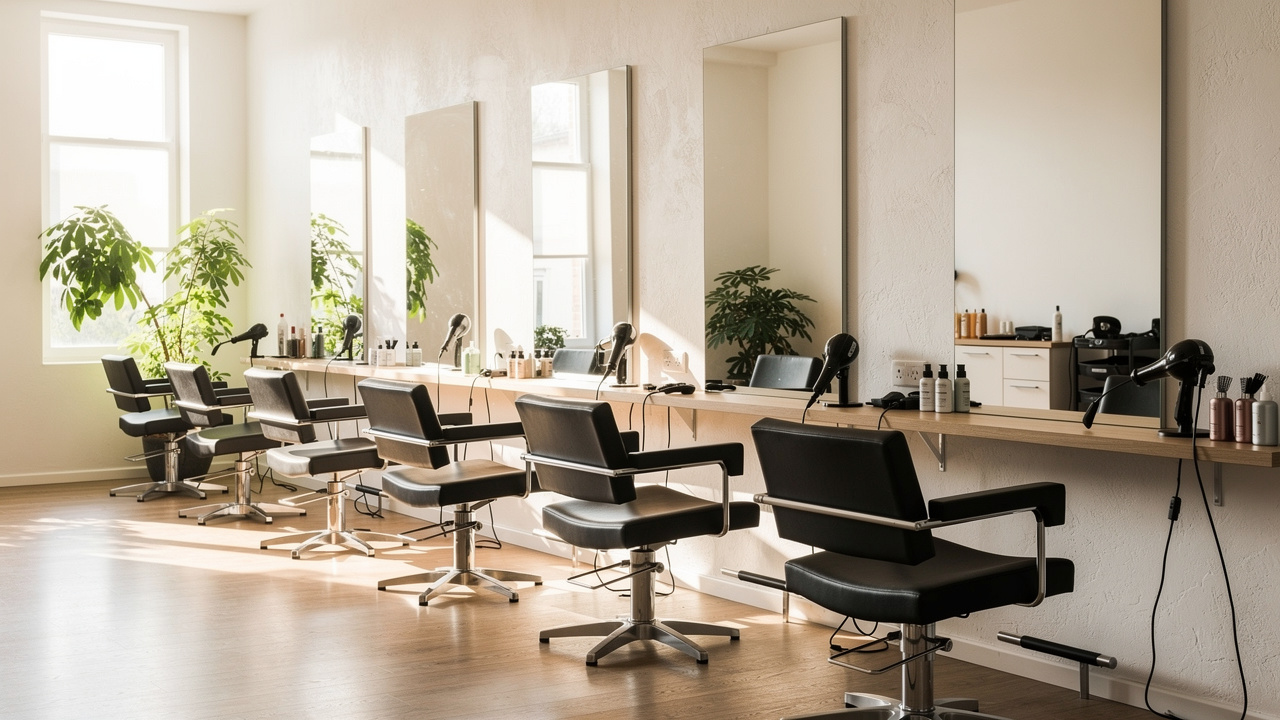
Social media gets people through the door. What they find once they arrive decides whether they rebook and post about you again.
Creating An Instagram-Worthy Salon Space
Good lighting and clean backgrounds make every client selfie and stylist photo look better.
-
place at least one main station near natural light
-
add soft, even artificial light where sunlight does not reach
-
keep walls neutral or branded so the focus stays on the hair
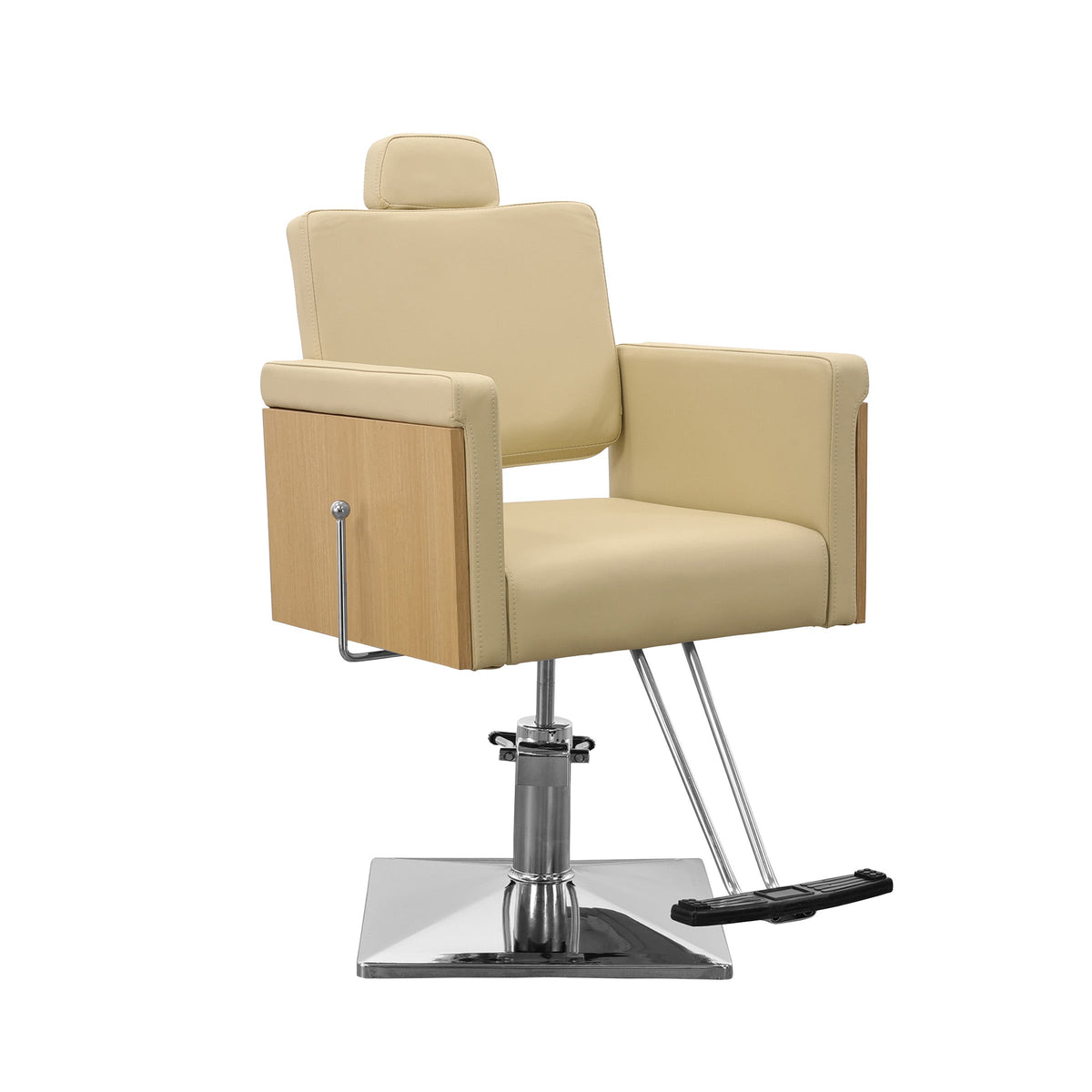
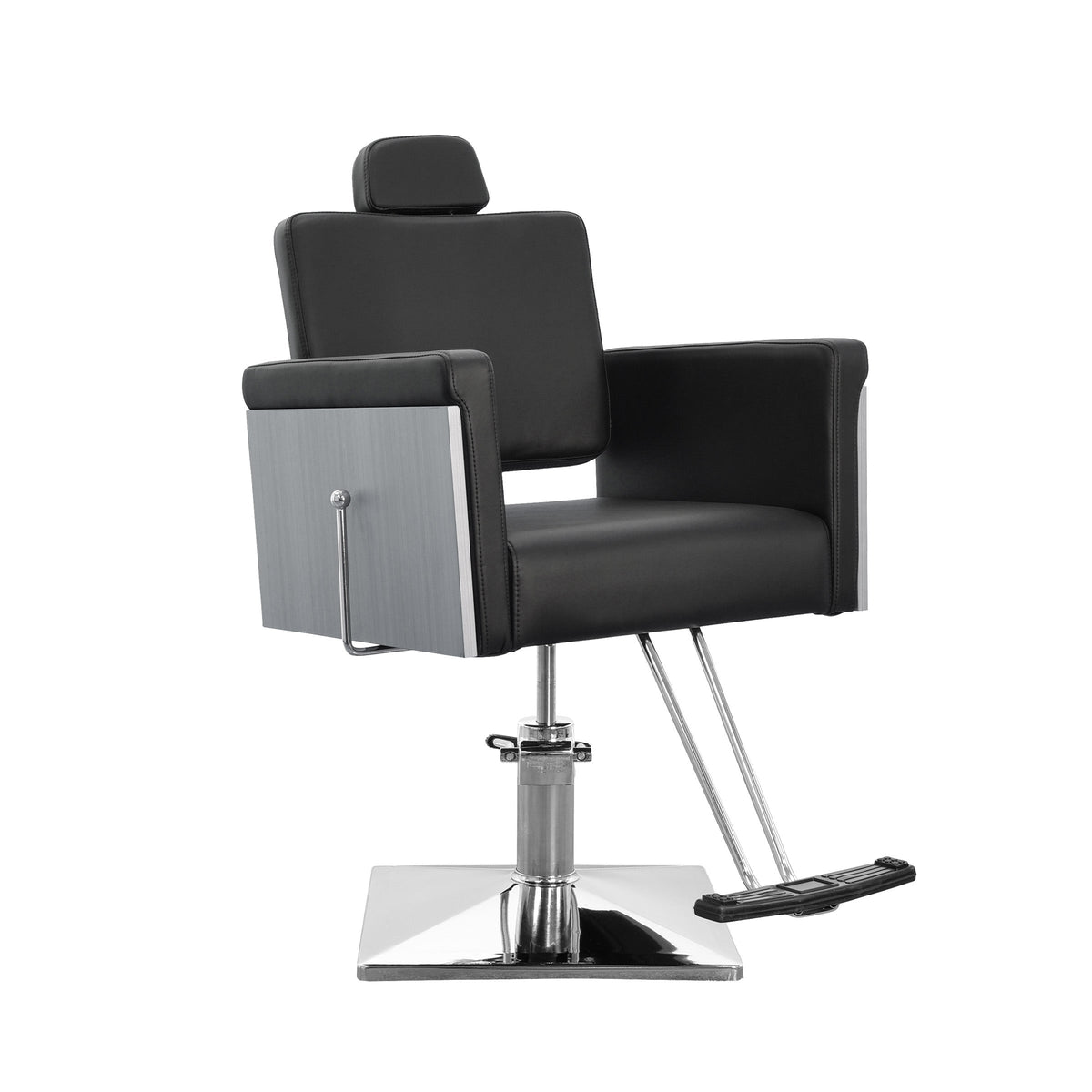
Design harmony across furniture and decor quietly signals quality. SalonAct helps here by offering chairs and stations that can be customized with different upholstery colors, wood tones, metal finishes, and logo details so your brand style is consistent online and offline.
Small touches such as mirror decals with your handle, branded capes, and a simple “Share your style and tag us” sign remind clients to post their visit.
“The space is part of the service. Clients feel the difference the second they sit down.” — common belief among experienced salon owners
Equipment Reliability Protects Your Reputation
When your calendar fills, the last thing you need is equipment failure. A sinking chair, a dryer that cuts out, or a cracked shampoo unit can force you to cancel or rush appointments — which quickly turns into bad reviews.
Investing in durable, commercial‑grade furniture lowers that risk. SalonAct focuses on long‑lasting bases, frames, and mechanical parts, backed by clear care guides and solid warranties. Fewer breakdowns mean smoother days, less stress over repairs, and more visits that end with clients happy to recommend you online.
Conclusion
For barbers and stylists, social media is not about becoming influencers. It is about building a steady stream of new and returning clients who already feel confident in your skills before they sit down.
When you treat your profiles as booking tools instead of random galleries, every post has a job:
-
attract the right people
-
build trust
-
guide them to your booking link
-
back up the promise with a strong in‑salon experience using comfortable, reliable furniture from partners like SalonAct
You do not have to do everything at once. Start by choosing one main platform, setting a simple posting schedule, and making your booking links and profile details crystal clear. Give that plan three to six months of steady effort while you watch what brings in the most visits and new clients. Over time, consistent content, visible social proof, and a great in‑person experience turn social media from a chore into one of the most dependable drivers of revenue in your business.
FAQs
How Many Times Per Week Should I Post On Instagram To See Booking Results?
Most salons and barbershops see good results with 3–4 feed posts per week plus daily Stories. Aim for 2–3 Reels in that mix so you reach beyond your current followers. Focus on strong makeovers, clear captions, and direct calls to action. Batch your photo editing and caption writing once a week so the schedule stays realistic, and watch profile visits and link clicks in Instagram Insights to see how this rhythm affects bookings.
What Should I Do If A Client Posts A Negative Comment Or Review On My Social Media?
Respond within twenty‑four hours in a calm, respectful tone. Thank them for sharing, acknowledge that they are unhappy, and invite them to continue the conversation by DM or phone so you can look for a fix together. Avoid arguing or blaming them in public, and only remove comments that are abusive or obvious spam. After you speak privately and reach a fair outcome, a short public note that you have connected and addressed the concern shows others that you care about your clients.
How Can I Get More Clients To Tag My Salon In Their Posts?
Ask directly and make it easy. At the end of the service, say something like, “If you share a selfie later, tagging us really helps,” and point out your handle. Create a spot in your salon with good lighting and a clean backdrop so clients want to take photos. Put your @handle and a short branded hashtag on mirror decals, business cards, and receipts. When clients do tag you, like and comment on their posts and ask if you can reshare them — that positive feedback encourages more tags.
Should I Use All Social Media Platforms Or Focus On Just A Few?
It is better to do a strong job on two or three platforms than to spread yourself too thin. For most beauty businesses, Instagram plus Facebook covers visual content and local community reach. Add TikTok if you enjoy video and want to reach younger clients, and use Pinterest as a slower‑burn tool for style inspiration and pre‑booking research. Only add more platforms if they clearly fit your goals and you can keep them active without burning out.
How Much Should I Spend On Paid Social Media Advertising?
Start small so you can test what works. Many local salons and barbershops begin with $150–$300 per month on Facebook and Instagram ads. Aim those ads at people near your location who match your ideal client profile. Track how many new clients mention the ads and compare their spend to your ad costs. As you spot campaigns that consistently bring profitable bookings, slowly increase the budget on those winners.
How Do I Measure If My Social Media Efforts Are Actually Increasing Bookings?
Put a simple tracking system in place:
-
ask every new client how they found you and record their answer
-
add tracking tags to your bio links so social visits stand out in your website analytics
-
check “link clicks” and “website taps” in platform insights
-
use referral fields inside your booking software when possible
At the end of each month, compare your new client numbers and revenue with your social activity and ad spend. If bookings and income rise in the same periods when you post consistently and run targeted ads, you know your social media work is paying off.